Generate Figures
Describe a scientific visual and create the first draft.
AI scientific figure maker
Start for free. Edit every label, color, and layout after AI—not just a one-shot export.
Start free. Generate, edit, and export from the full editor.
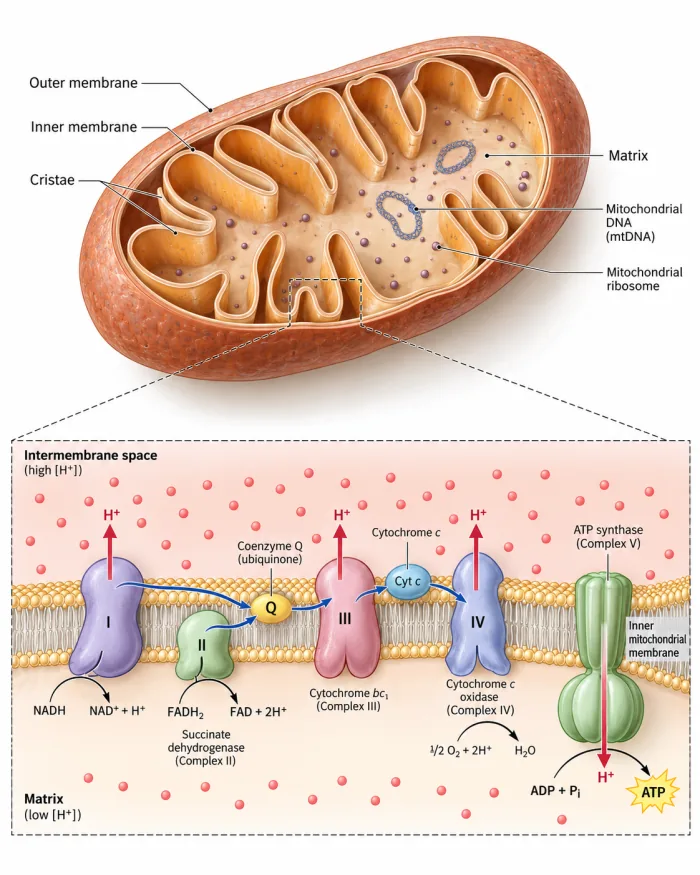
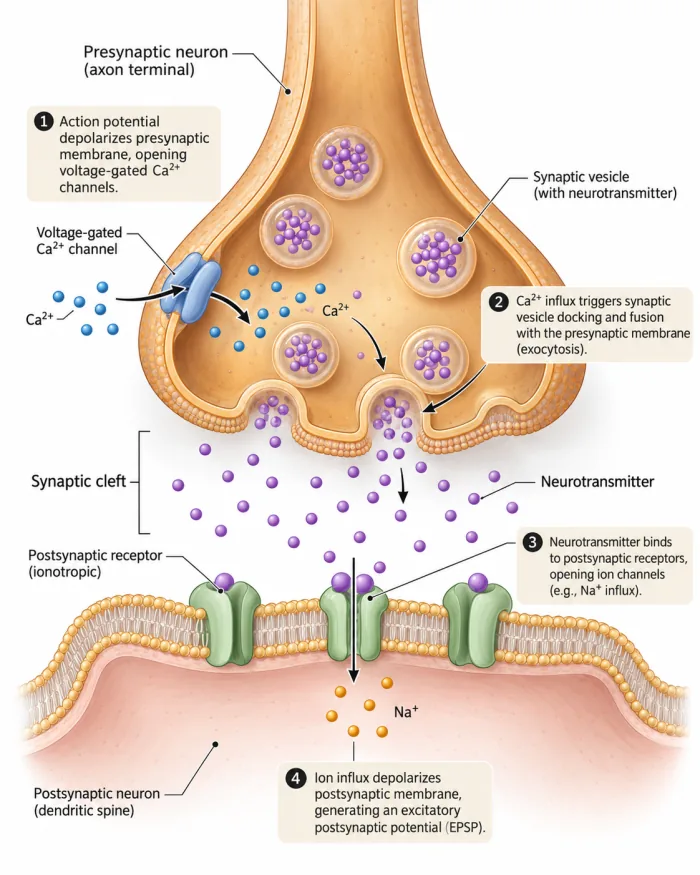
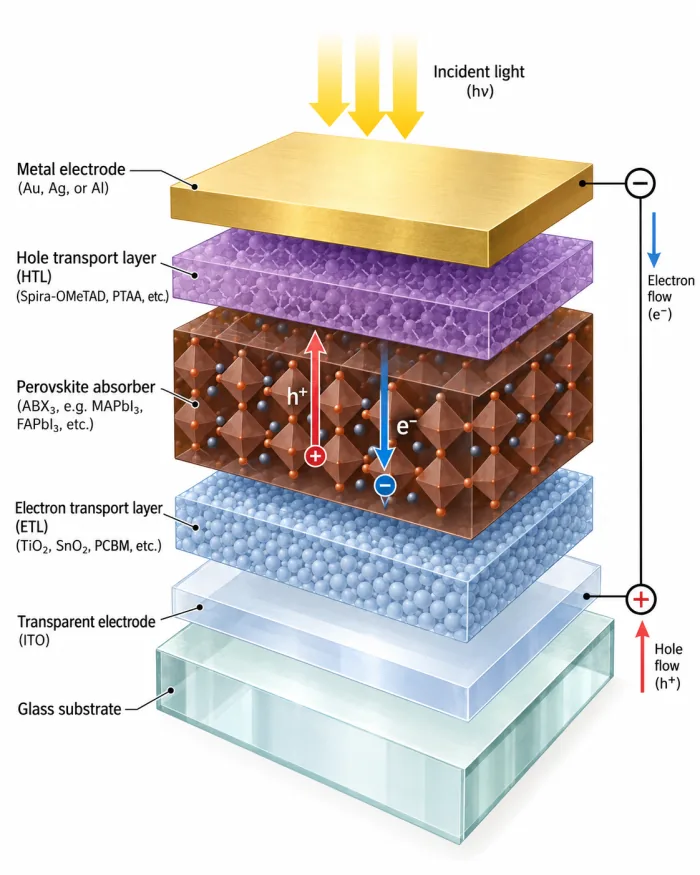
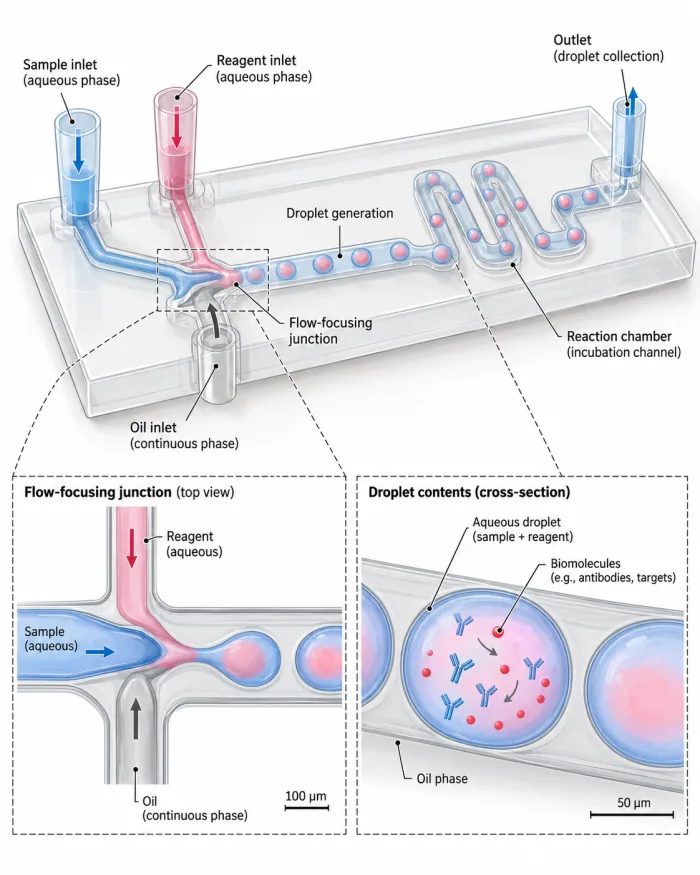
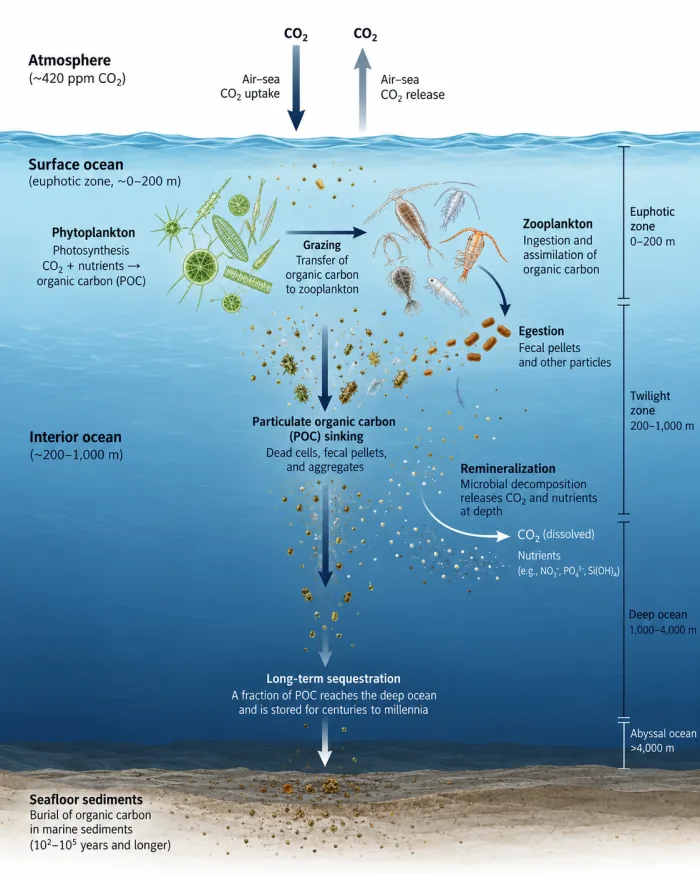
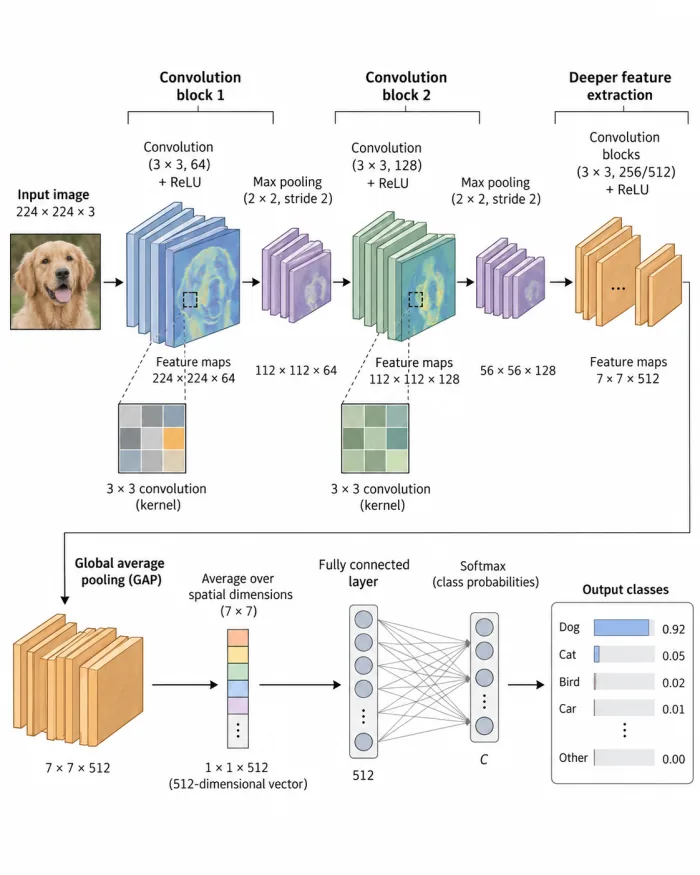
Scientific illustration workflow
Start with the material you already have, generate a first draft, refine the scientific details, and prepare the result for your research workflow.
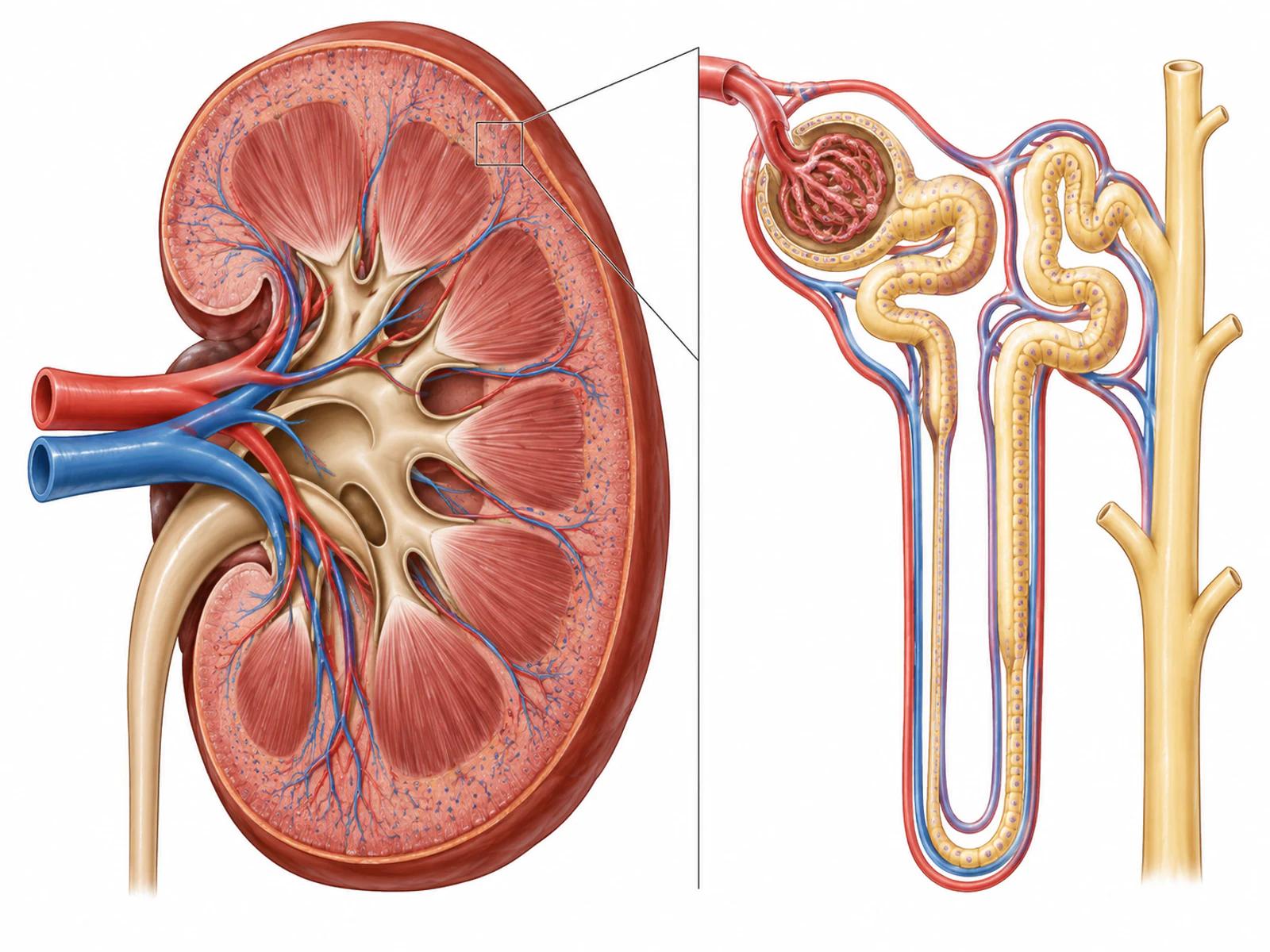
Begin with a research idea, written description, sketch, or visual reference.
Create an initial scientific visual so you never have to begin from a blank canvas.
Correct labels, adjust elements and composition, then review the scientific content.
Prepare the finished figure for papers, presentations, posters, and downstream design work.
Scientific data chart workflow
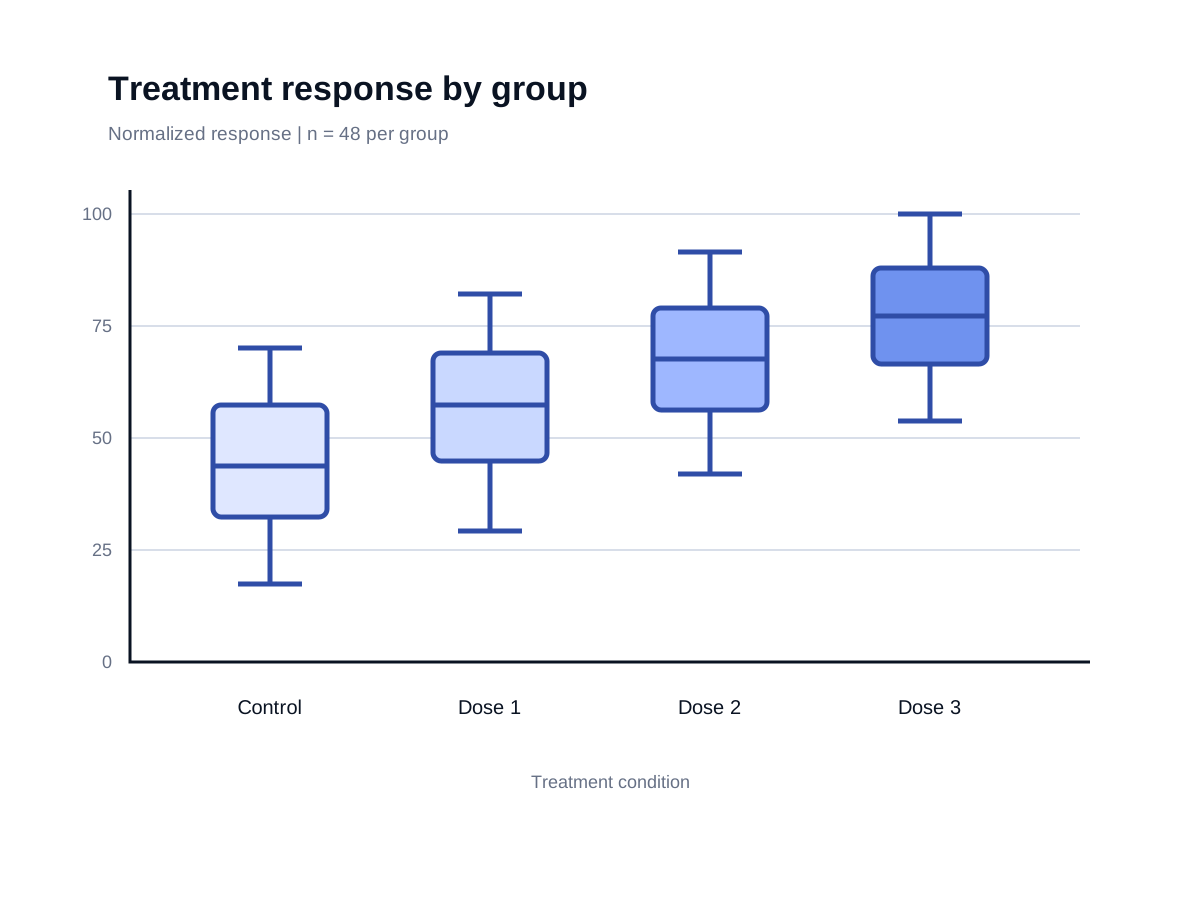
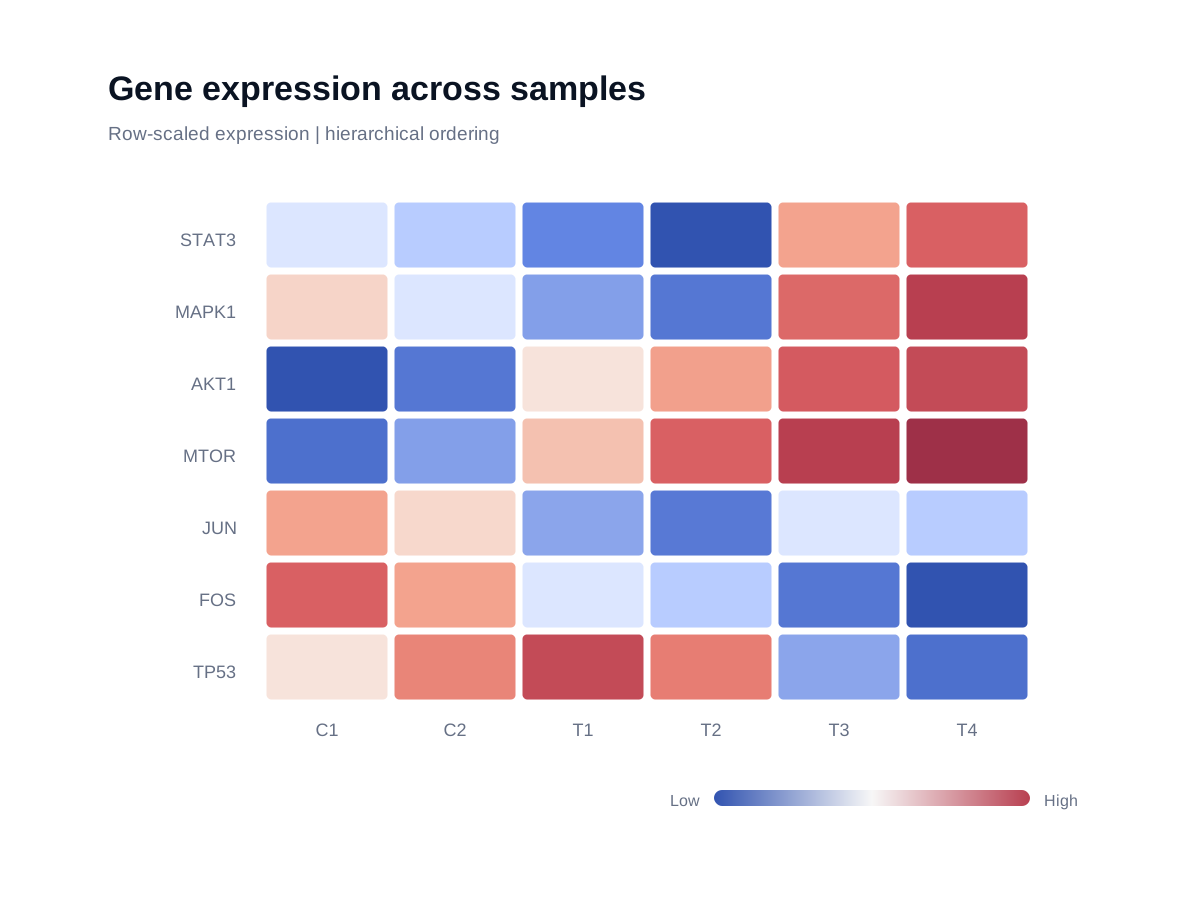
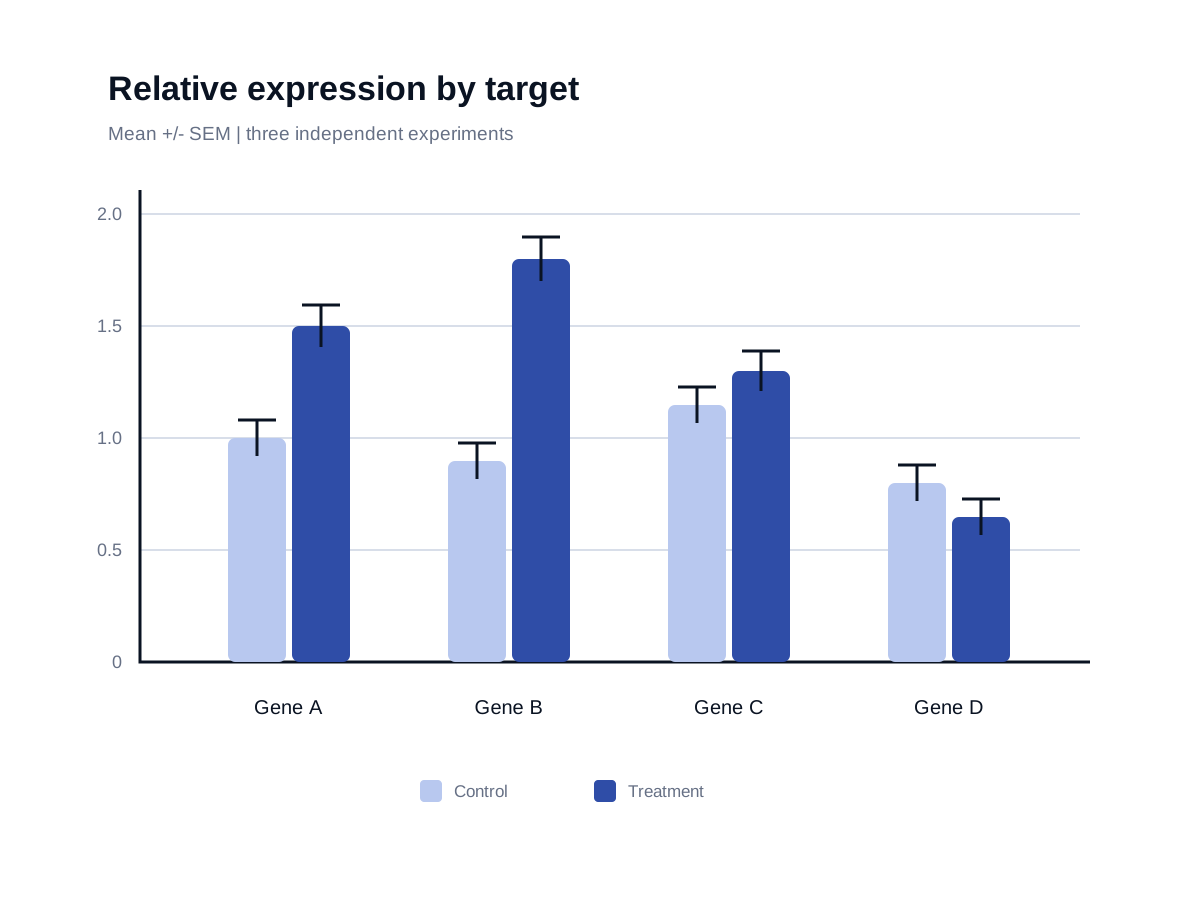
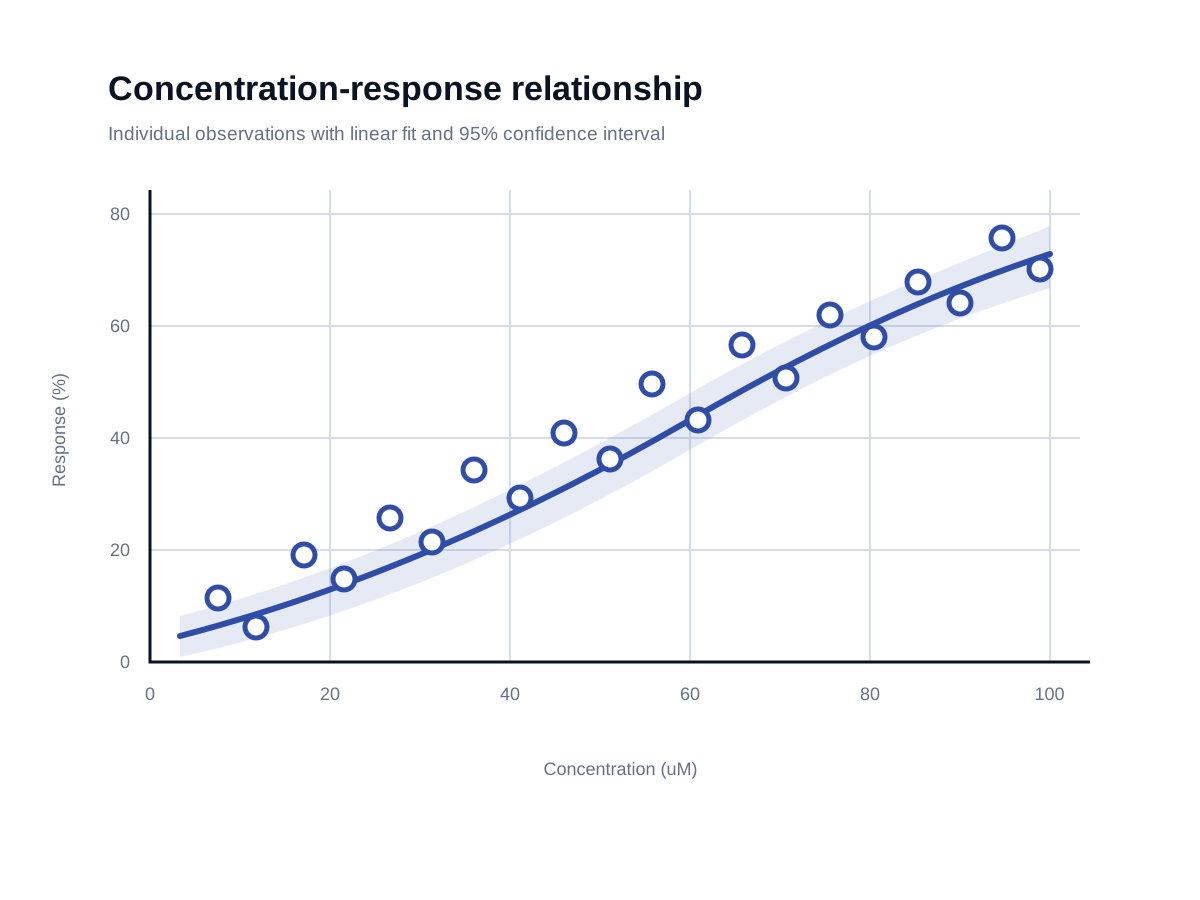
Turn a dataset into a clear, consistent chart without rebuilding every style decision by hand.
Begin with a CSV or spreadsheet containing the data you want to communicate.
Select the chart type that best communicates the comparison, trend, or relationship in your dataset.
Apply consistent typography and color, then clarify the result with labels and annotations.
Prepare a polished chart for papers, presentations, posters, and further editing.
Examples
Explore scientific figures and data charts designed to communicate research clearly.
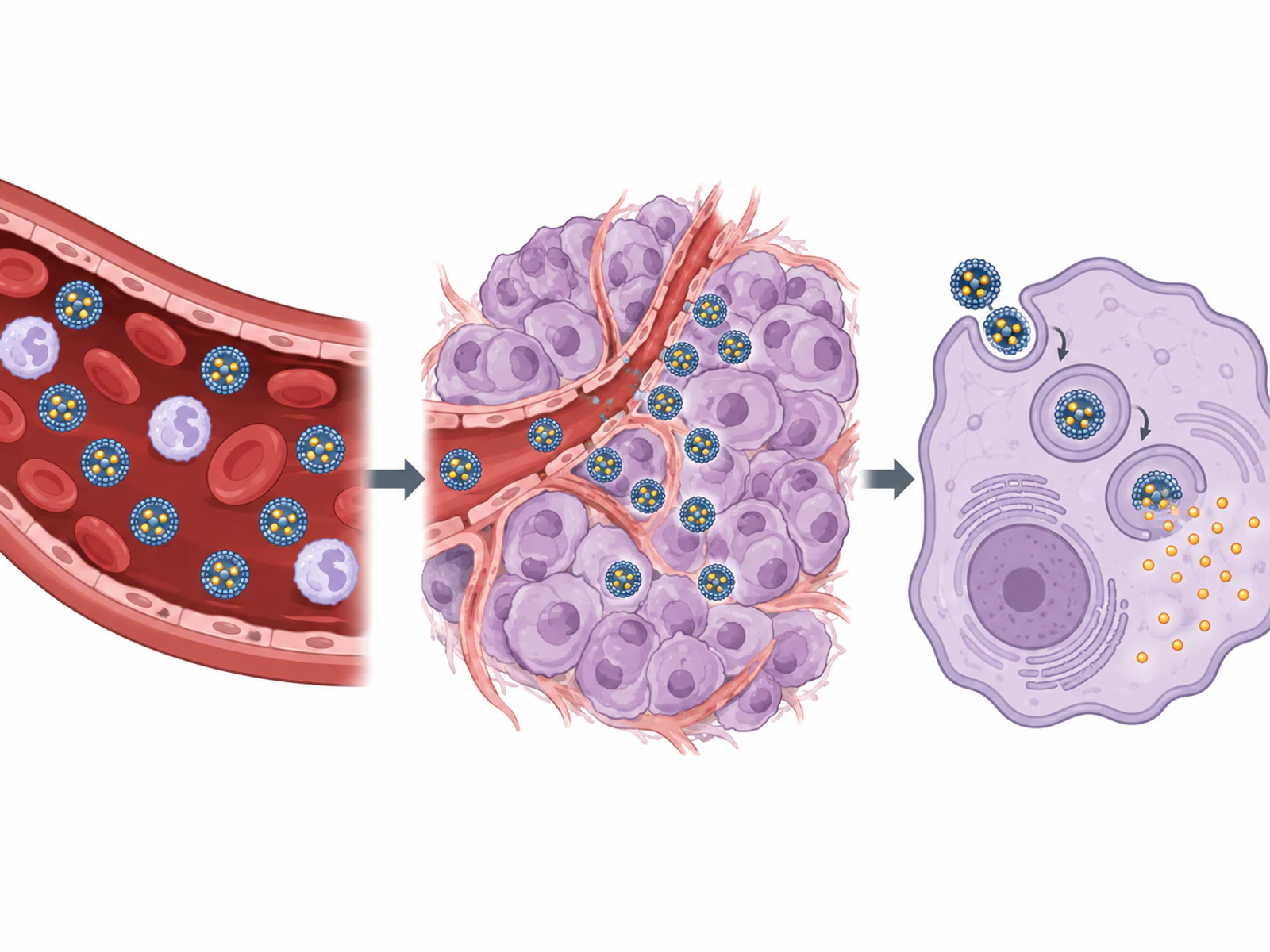
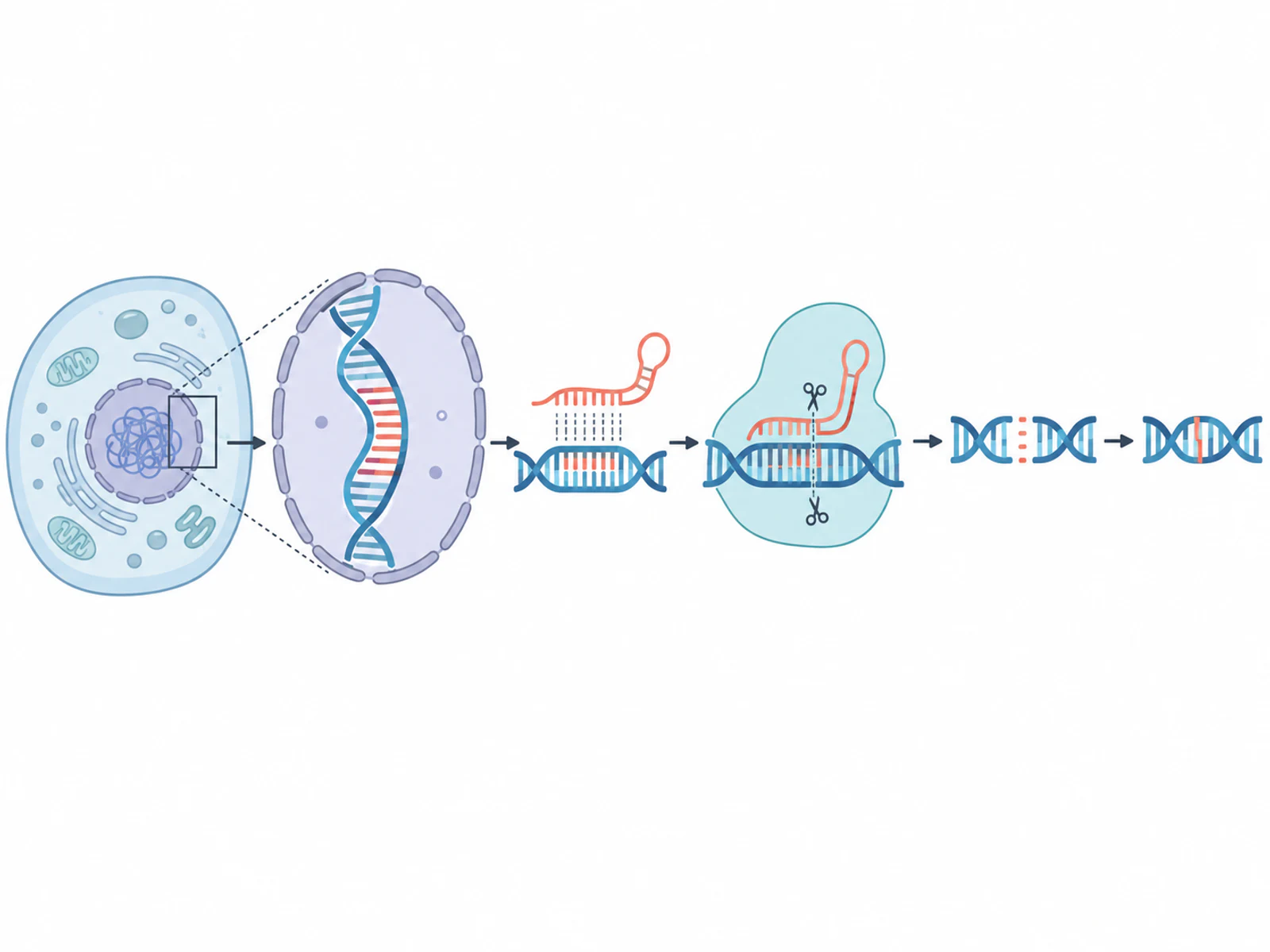
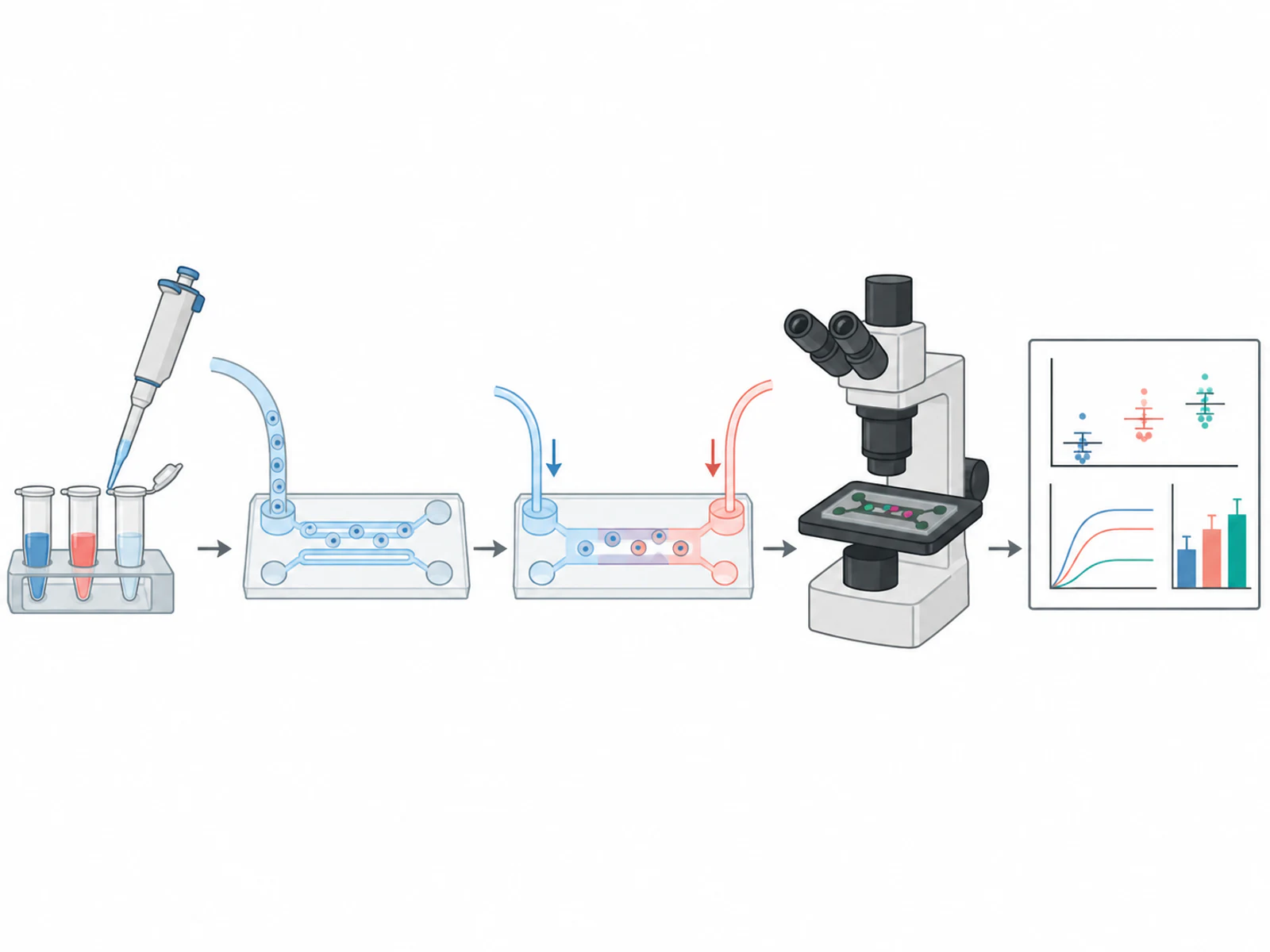
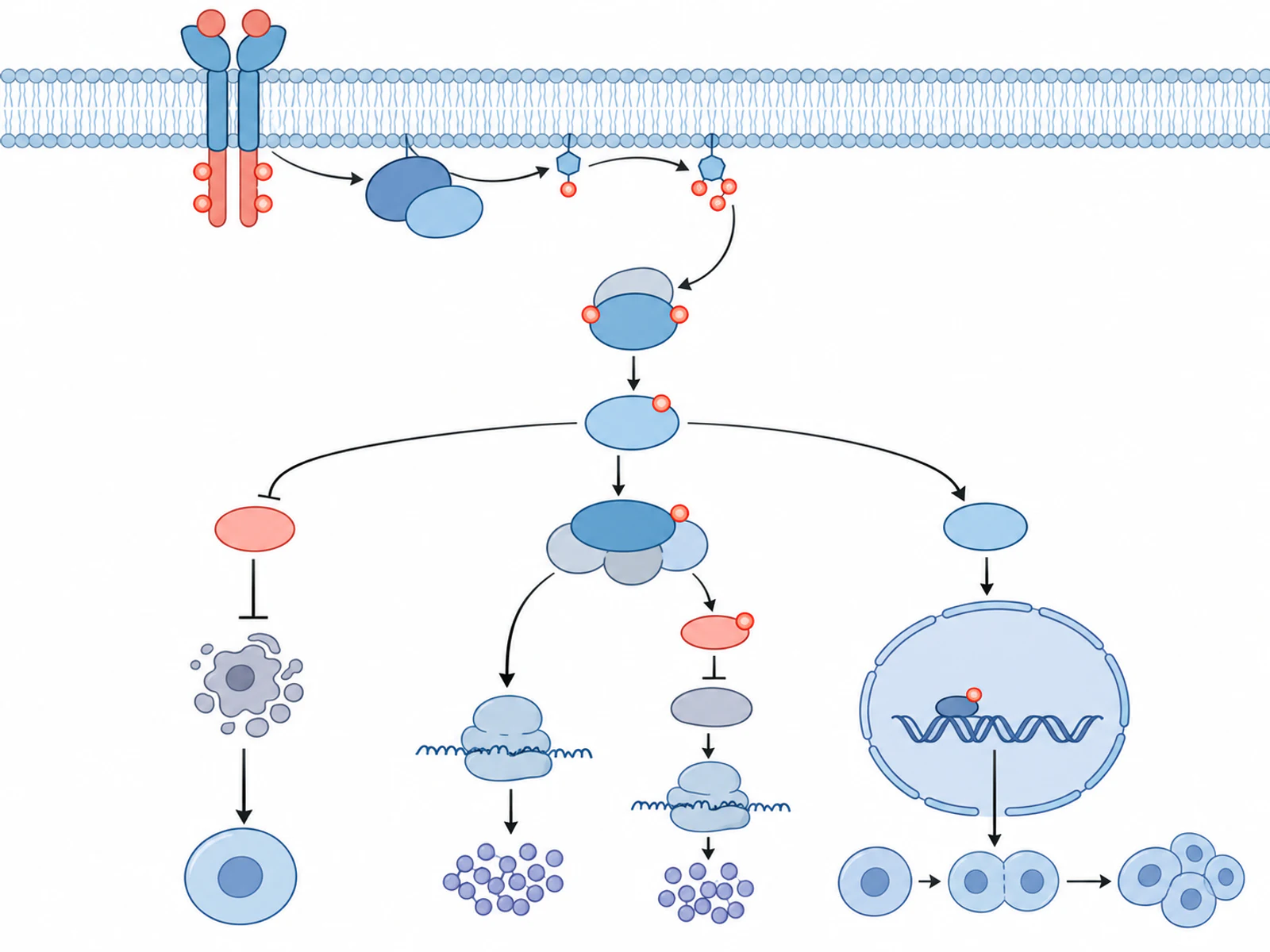
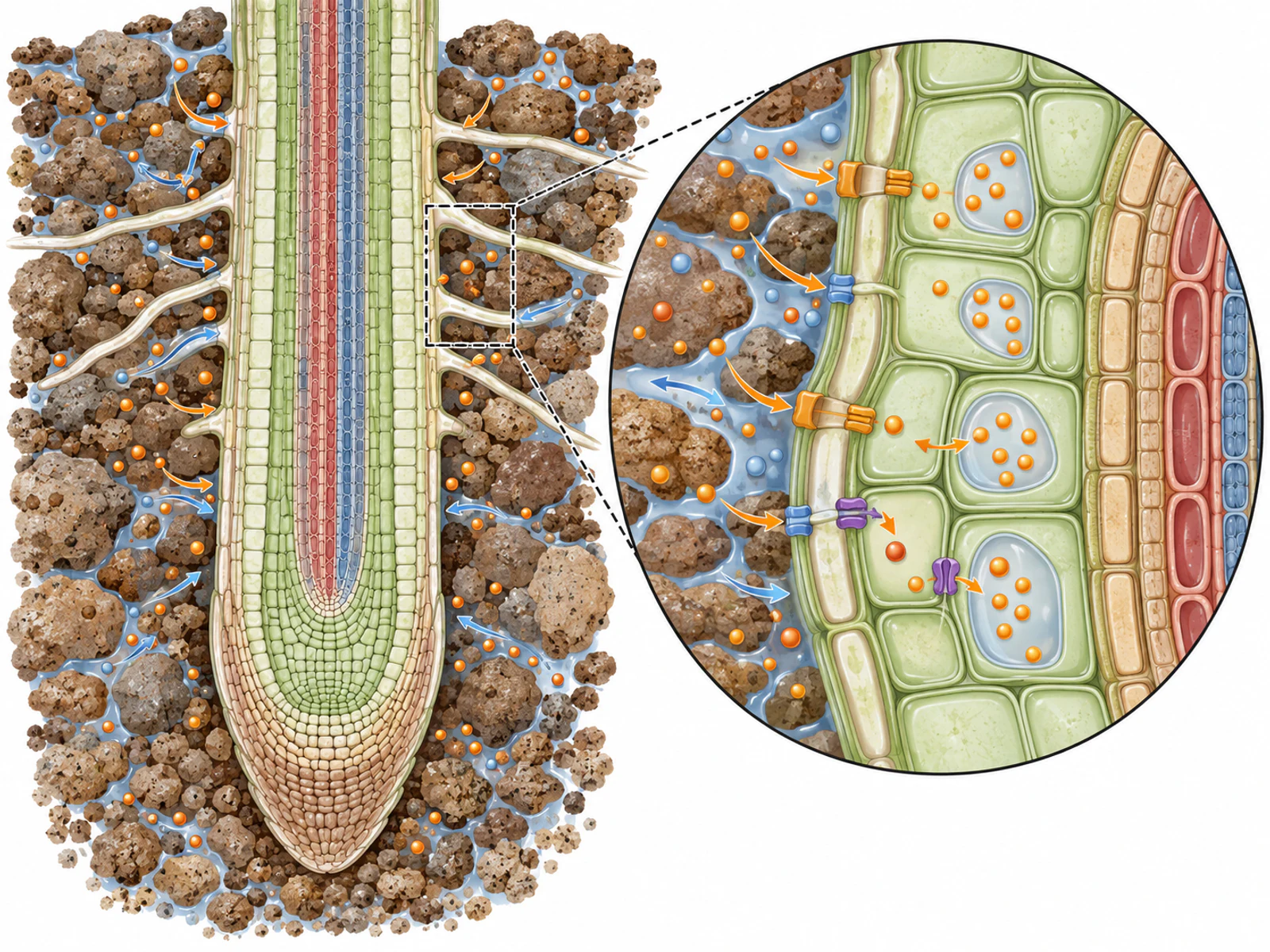
Condense a research story into one clear visual.
Figure Make product
Generate when you want speed. Edit when you need control.
Describe a scientific visual and create the first draft.
Correct scientific terms without regenerating the entire figure.
Move and organize parts of the figure to clarify the story.
Focus changes on one area instead of replacing the whole composition.
Add arrows, labels, callouts, and supporting visual elements.
Tune visual style and color so the figure fits its context.
Control
AI creates the starting point. You decide what is scientifically correct and what stays in the final figure.
Correct labels and refine visual elements instead of starting over.
Generated scientific content should always be checked by the researcher.
Continue editing manually instead of repeatedly regenerating an opaque image.
FAQ
Start creating
Start with a sentence, sketch, or reference.